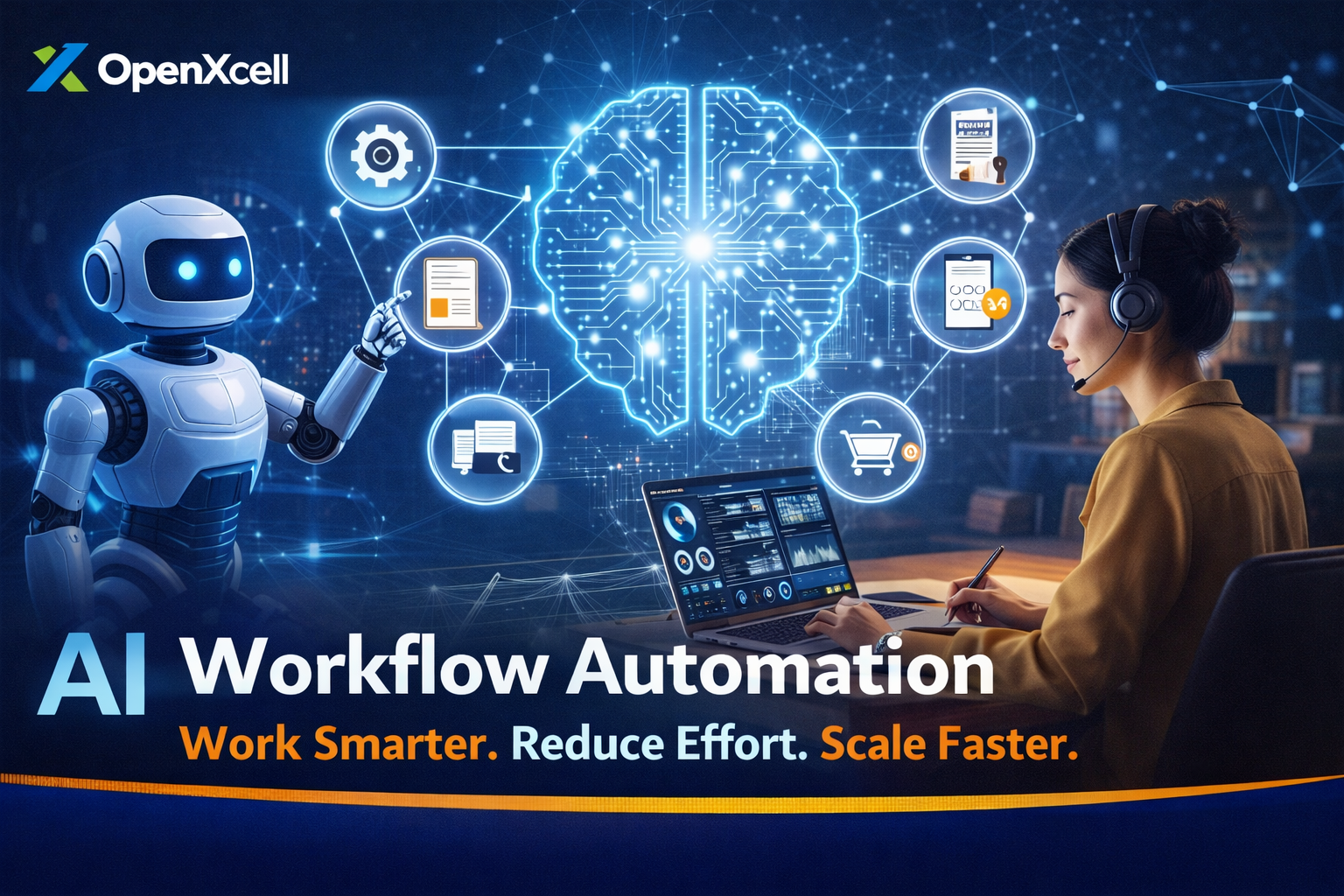
What Is AI Workflow Automation?
AI workflow automation is the use of artificial intelligence to automate a sequence of business tasks. Unlike basic automation, AI can learn from data, understand patterns, and make decisions. It does not just follow rules—it improves over time.
For example, a traditional workflow may send every support ticket to the same queue. AI workflow automation can read the message, understand intent, and send it to the right department automatically.
How AI Workflow Automation Works
AI workflow automation works by combining several technologies:
• Machine Learning to learn from past data
• Natural Language Processing (NLP) to understand text and speech
• Robotic Process Automation (RPA) to execute tasks
A simple example is invoice processing. AI reads invoices, extracts data, checks errors, and updates accounting software without human help.
Real-Life Examples of AI Workflow Automation
Many businesses already use AI workflow automation daily:
• Customer Support: AI chatbots answer common questions and create support tickets automatically.
• HR Processes: AI screens resumes, schedules interviews, and sends follow-up emails.
• Marketing: AI tools automate email campaigns based on user behavior.
• Finance: AI approves expenses and detects fraud in transactions.
For example, an e-commerce company uses AI to automate order processing, inventory updates, and delivery notifications, reducing delays and errors.
Benefits of AI Workflow Automation
AI workflow automation offers several clear benefits:
• Saves time by automating repetitive tasks
• Reduces human errors
• Improves productivity and efficiency
• Helps teams focus on strategic work
• Scales easily as business grows
Small businesses especially benefit because they can do more work with fewer resources.
Practical Tips to Implement AI Workflow Automation
If you want to start with AI workflow automation, follow these tips:
1. Identify repetitive and time-consuming tasks
2. Start small with one workflow
3. Choose easy-to-use AI tools
4. Train your team on new systems
5. Monitor results and improve continuously
Tools like Zapier, UiPath, and AI-powered CRM systems are good starting points.